
For Teachers
The words of the unit you’re teaching are ready in the app under the same name. Use the web version on the smartboard for whole-class work; let pupils practise pronunciation at home in the mobile app.
-
Same units as the textbook
Grade 2, 3 and 4 unit names and the Maarif Model themes for grades 2, 3, 5 and 6 appear exactly as in class.
-
Web version on the smartboard
Open speak.quansystem.com on the board and play Learn by Listening and Multiple Choice together.
-
Pronunciation practice at home
Pupils say each word in the mobile app and get an instant score — speaking time your lesson can’t fit.
-
Find any word in seconds
Search shows which grade and unit a word belongs to.
-
Over 5,000 questions
Multiple-choice questions for every theme, ready for a quick check in class.
-
No accounts, no data hassle
Pupils don’t sign up; progress stays on the device.
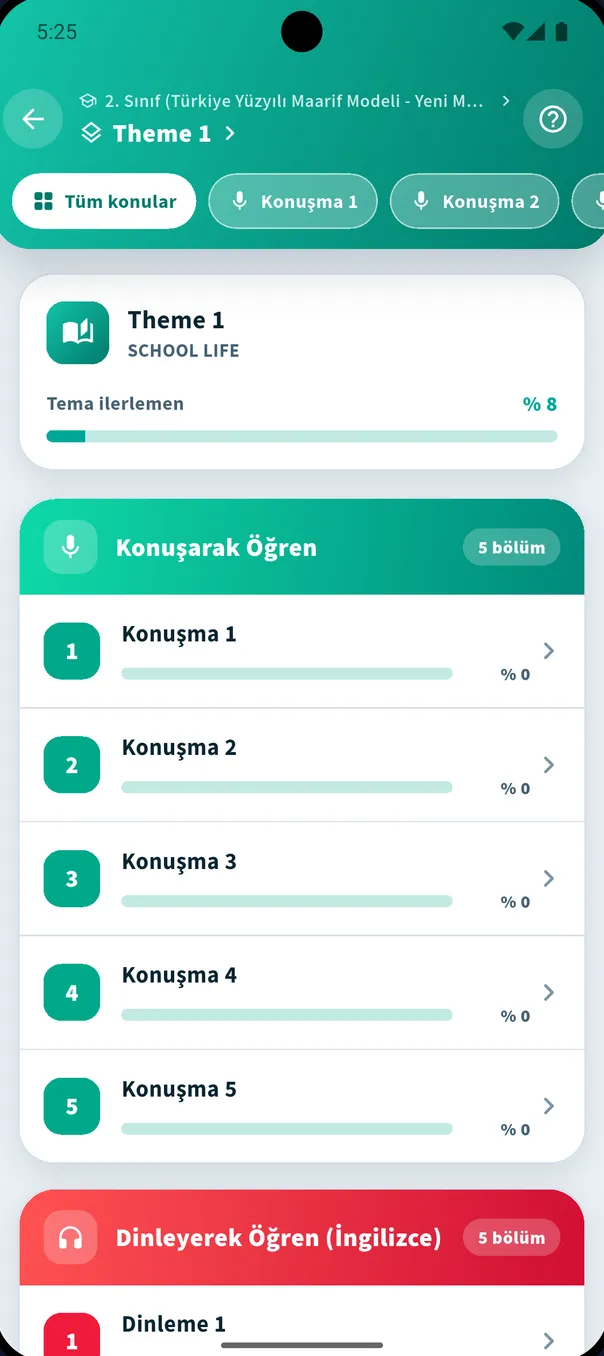
A 15-minute classroom flow
- 1 Open the theme on the board and listen to 5 words together in Learn by Listening (English).
- 2 Pupils repeat each sound in turn; choose the right option together.
- 3 Flip direction with Learn by Listening (Turkish): the Turkish is shown, find the English sound.
- 4 Run a 5-question mini quiz with Multiple Choice.
- 5 Homework: “Score at least 8 in this theme’s Learn by Speaking section.”
💡 Set homework by theme name (e.g. “Grade 5 – Theme 1: School Life”). Pupils find words with Search and themes from the grade list.
Questions teachers ask most
- The app is free and needs no pupil accounts.
- Progress is stored on the device; there is no teacher dashboard.
- Spot a wrong word or meaning? Use “Send a correction email” in the app to tell us.
Say your first word today
Download for free, pick your grade, tap the mic in the first theme. The rest feels like a game.
💡 We recommend the mobile app for the full experience.